Document Scanning Cost Guide for Phoenix Businesses

One of the first questions every business asks about scanning is “how much does it cost per page?” It is a reasonable question, but the honest answer is that per-page pricing only tells part of the story. The total cost of a scanning project depends on what you are scanning, how much preparation is needed, what level of indexing you require, and whether compliance protocols apply.

This guide breaks down the factors that determine scanning costs so you can evaluate quotes accurately and understand what you are paying for.

Typical Per-Page Pricing Ranges

Industry-wide, standard document scanning for letter-size pages typically falls between $0.07 and $0.15 per page. That range is wide because the actual price depends heavily on the factors below. Here is how those ranges generally break down by project type.

Standard office documents (clean, uniform pages, minimal prep): $0.07 to $0.10 per page. This is the baseline for well-organized records in good condition — think neatly filed correspondence, typed reports, or pre-sorted records.

Medical and legal records (mixed formats, compliance requirements): $0.08 to $0.14 per page. Healthcare and legal documents often include a mix of letter-size pages, smaller forms, sticky notes, and multi-part documents that require additional handling. HIPAA or chain-of-custody protocols add security steps that factor into pricing.

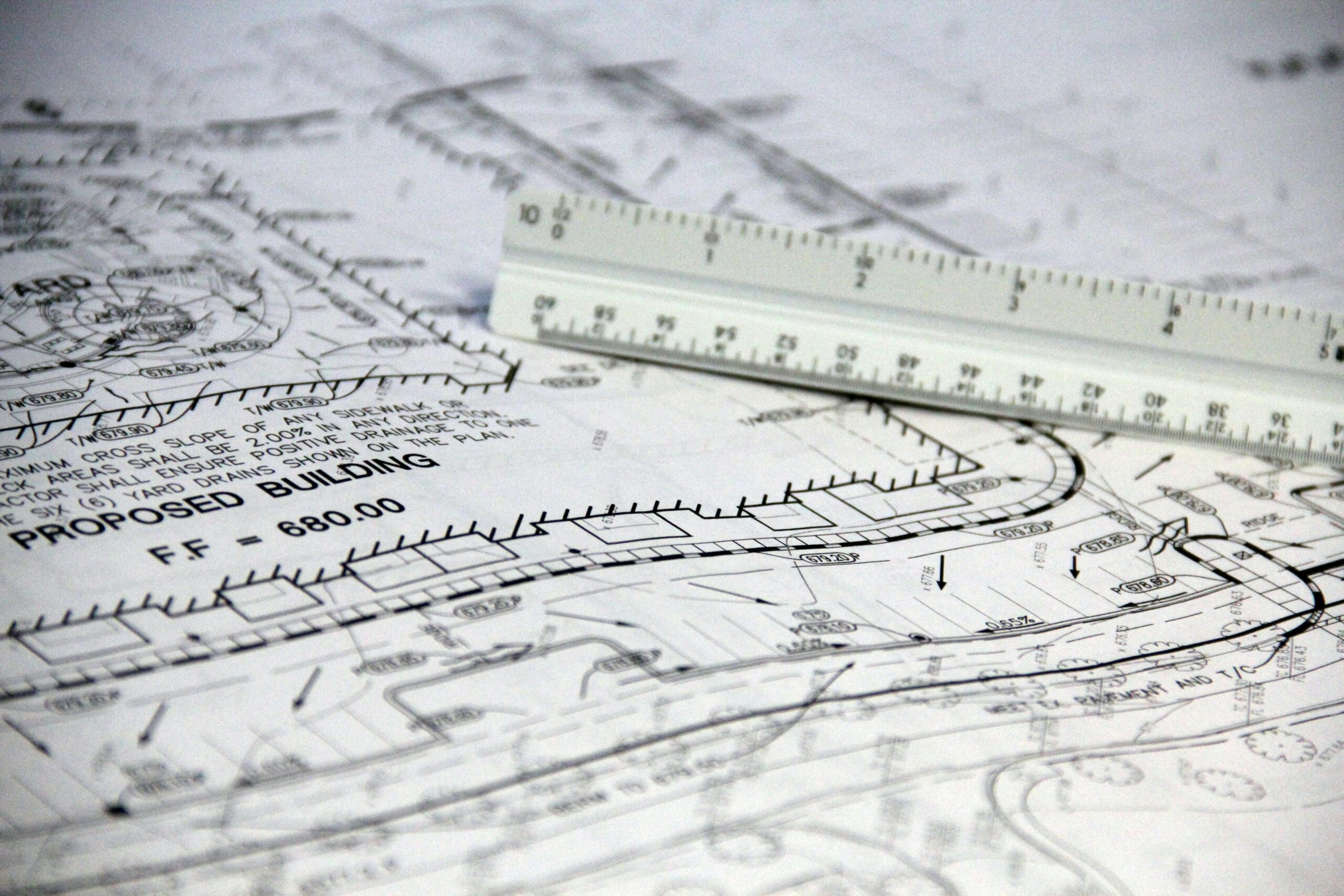
Large format documents (blueprints, engineering drawings, maps): $1.00 to $5.00+ per sheet. Oversized documents require specialized wide-format scanners and more careful handling. Pricing depends on the size of the original (24″ x 36″ versus 36″ x 48″, for example) and condition.

Bulk or backfile projects (high volume, 50,000+ pages): Volume discounts typically bring per-page costs to the lower end of each range. The more pages in a project, the lower the per-page rate, because setup and transport costs are spread across more output.

What Factors Affect Your Scanning Cost?

Document Preparation

This is where many projects see costs they did not expect. “Document prep” means removing staples, paper clips, binder clips, and rubber bands; unfolding creased or tri-folded pages; repairing torn pages with tape; separating pages that are stuck together; and removing sticky notes or re-attaching them so they scan properly.

If your records are neatly filed and staple-free, prep is minimal. If they have been sitting in boxes for a decade with mixed fasteners and dog-eared pages, prep time adds up. Some vendors charge prep separately; others build it into the per-page price.

Indexing and Organization

Basic scanning means you get a folder of image files. Indexing means those files are named, organized, and tagged so you can actually find things later. The level of indexing you need directly affects cost.

Basic indexing (file-level naming): Each document or folder is named according to a simple convention — patient name, case number, or date. This is the most common approach and adds minimal cost.

Detailed indexing (field-level metadata): Each document is tagged with multiple searchable fields — patient name plus date of service plus document type, for example. This is more labor-intensive but makes retrieval significantly faster for large archives.

Barcode or separator sheet processing: For high-volume projects, barcode separator sheets can automate document splitting and indexing, reducing manual labor and per-page cost on large batches.

OCR (Optical Character Recognition)

OCR converts scanned images into searchable text, so you can search inside a document rather than just by its file name. Most modern scanning projects include OCR as a standard feature, but for handwritten documents or poor-quality originals, advanced OCR processing may add $0.01 to $0.03 per page.

Compliance and Security Requirements

Healthcare, legal, and financial records require additional security protocols: Business Associate Agreements, chain of custody documentation, encrypted file delivery, and certificate of destruction for originals. These safeguards are necessary and worth the cost, but they do add to the total.

Output Format and Delivery

Most projects deliver searchable PDF files, which is the standard for business document archives. If you need additional formats (TIFF for legal archiving, specific naming conventions for your document management system, or integration with cloud storage), customization may affect pricing.

The Hidden Cost of Not Scanning

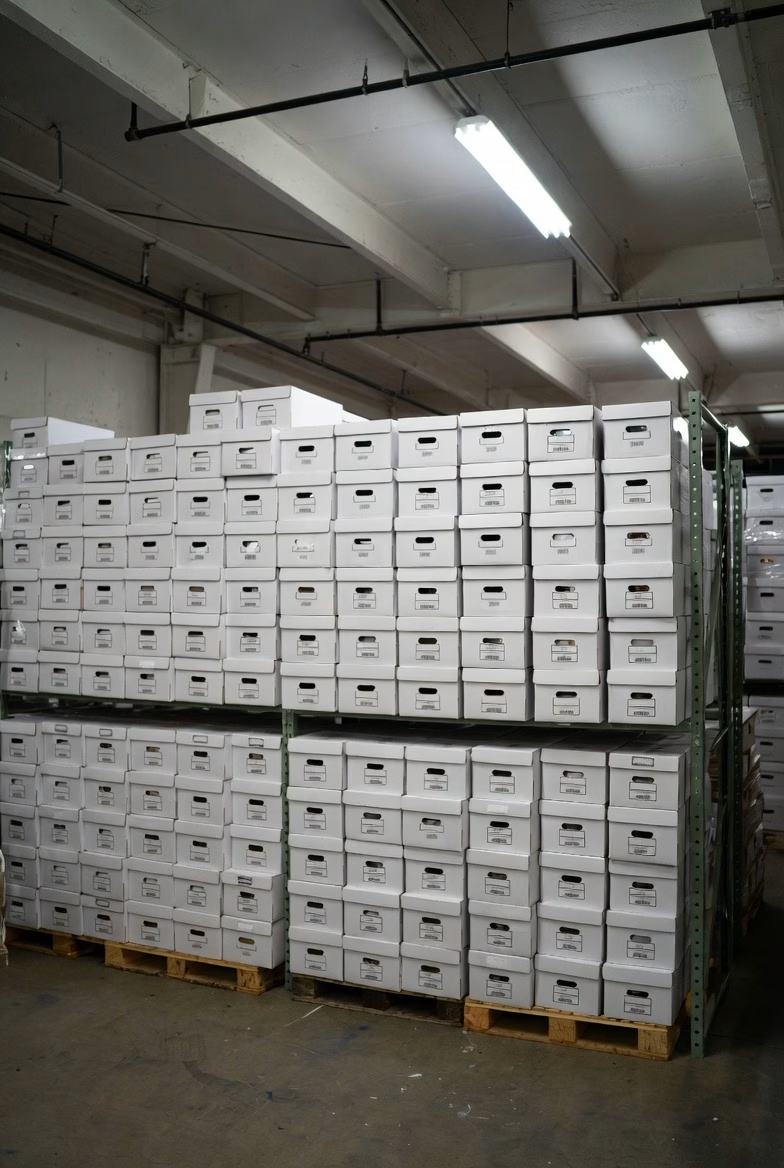
Warehouse filled with banker boxes of documents awaiting scanning at Overland Printing Phoenix facility
Thousands of boxes processed annually at our Phoenix scanning facility.

Before focusing solely on per-page price, consider what paper records cost you right now. Office space in Phoenix averages $25 to $35 per square foot per year. A four-drawer filing cabinet occupies about 8 square feet when you account for the aisle space needed to open drawers. That is $200 to $280 per year just for the floor space, not counting the cabinet itself.

Then there is retrieval time. Studies consistently show that office workers spend an average of 20 to 30 minutes per day searching for paper documents. Over a year, that adds up to over 100 hours per employee — time that could be spent on actual work.

And storage only grows. Every year adds more paper. Scanning stops the accumulation and can eliminate existing storage costs entirely once the backfile is digitized.

How to Get an Accurate Quote

The most reliable way to understand your scanning costs is to get a project-specific estimate. A good scanning vendor will ask you about the approximate number of pages or boxes (a standard banker’s box holds roughly 2,500 pages), the condition and format of your documents, what level of indexing you need, whether compliance protocols apply, and your preferred output format and delivery method.

At Overland Printing, we provide free, no-obligation estimates for every scanning project. We will assess your documents, recommend the right approach, and give you a clear price before any work begins. No surprises.

Want to know what your project will cost? Get a free scanning estimate or call us at 602-224-9971.

Related reading: The 4 Best Large Format Scanners for 2025 — a side-by-side review of the Contex flatbed and production scanners we use to deliver these projects.

Industry-Specific Scanning Services

For HOA management firms specifically, our HOA records scanning service for community association management firms covers the per-box and per-community pricing models management firms typically work with — locked transport, AZ retention indexing, and DMS-ready delivery for ProCon, AppFolio, HOA Manager, Caliber, FirstService, and similar systems.

For law firms specifically, our litigation support pricing covers per-project flat-fee, trial-week retainer, and per-binder unit pricing models — in addition to the discovery-side scanning pricing on this page.

For questions about project changes or cancellations after scanning begins, see our return and revision policy. Ready to get started? Call 602-224-9971.

Why Construction Companies Need Digital Blueprint Archives

Every construction company has a room, a closet, or a row of flat-file cabinets filled with rolled-up blueprints, shop drawings, and project plans from years or decades of work. These documents represent millions of dollars in project knowledge — and most of them are slowly deteriorating, nearly impossible to search, and one water leak away from being gone entirely.

The construction industry generates more project documentation per dollar spent than almost any other sector. Plans, specifications, as-builts, RFIs, submittals, change orders, and inspection reports pile up on every project. When those records exist only on paper, they become a liability rather than an asset.

Here is why Phoenix-area construction companies are moving to digital blueprint archives — and what the process actually looks like.

The Real Cost of Paper Blueprints

Construction professionals spend an average of 5.5 hours per week searching for project documents. For a project manager billing at $75 to $100 per hour, that is over $20,000 per year in lost productivity — per person. Multiply that across a team and the numbers get serious fast.

But wasted time is only part of the problem. Paper blueprints create several risks that digital archives eliminate.

Version confusion. On any active project, multiple revisions of the same drawing may exist. When those revisions live in flat files or rolled in tubes, it is disturbingly easy to reference an outdated version. In construction, building from the wrong revision means rework, delays, and potential liability.

Physical degradation. Blueprints fade. Large-format drawings crack at fold lines. Mylar yellows. Ink bleeds when exposed to humidity or water. Arizona’s heat accelerates some of these processes, and monsoon season introduces moisture risks that can damage an entire archive overnight.

Limited access. A paper blueprint can only be in one place at a time. When the field crew needs the same drawing that the project manager has spread across their desk, someone waits. When a subcontractor needs reference drawings, someone makes copies. When an owner requests as-built documentation, someone digs through archives.

No disaster recovery. If a fire, flood, or break-in destroys your plan room, those records are gone permanently. For projects still under warranty or facing potential claims, losing the documentation means losing your ability to defend your work.

What Digital Archives Change

Scanning blueprints and project documents to searchable digital files transforms how a construction company manages its project history.

Instant retrieval by project, drawing number, or keyword. Instead of pulling tubes from flat files and unrolling drawings on a table, any team member can search by project name, drawing number, date, or even text within the document. A search that used to take 30 minutes takes 30 seconds.

Access from anywhere. Digital files can be stored in cloud systems or integrated with project management platforms like Procore, PlanGrid, or BIM 360. The field superintendent, the office PM, and the client can all view the same drawing simultaneously from different locations.

Complete revision history. Every version of every drawing can be preserved and organized chronologically. No more guessing which revision is current — the digital archive maintains the full record.

Permanent preservation. A blueprint scanned at high resolution today will be perfectly legible in fifty years. The digital copy does not fade, crack, or get damaged by handling. For firms that need to retain project records for warranty periods, statute of limitations windows, or long-term client relationships, this is critical.

Space recovery. Flat-file cabinets and plan rooms take up valuable office space. A typical five-drawer flat file holds roughly 500 sheets and occupies 20 square feet including access clearance. At Phoenix commercial lease rates, that is $500 to $700 per year per cabinet — space that could house another workstation or meeting area.

What the Scanning Process Looks Like

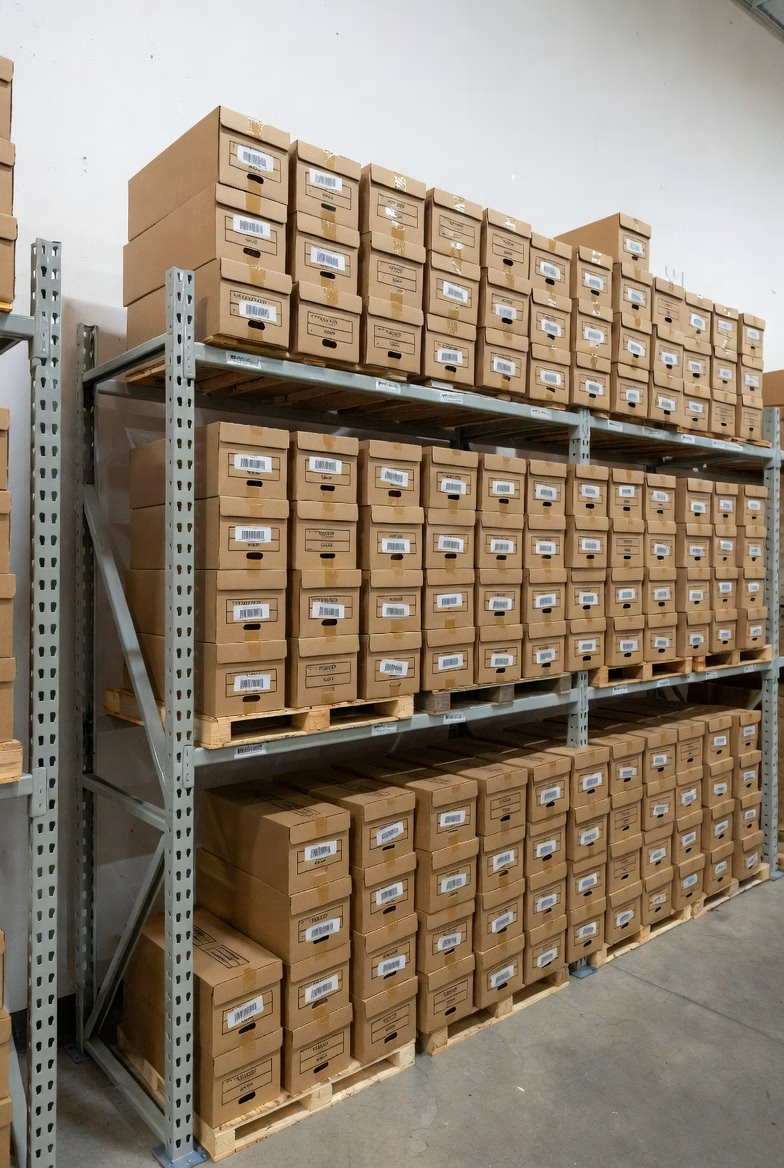
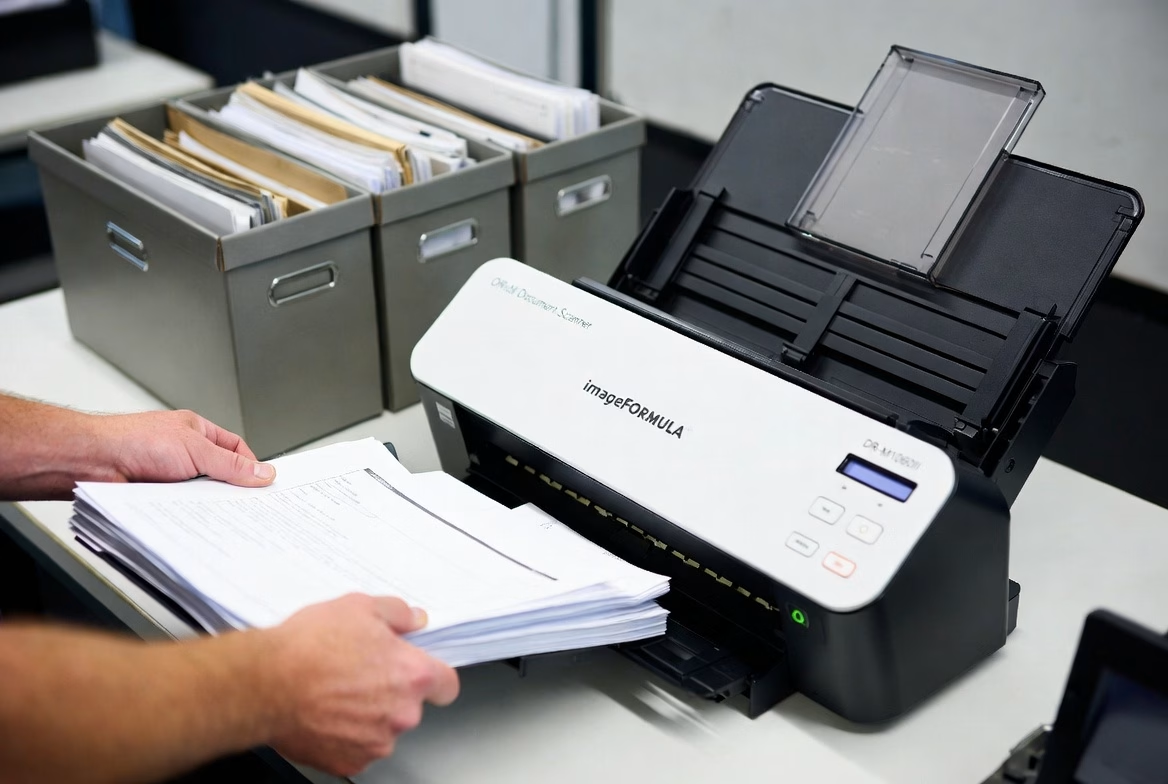
Bulk document scanning warehouse with shelving of archived business records at Overland Printing Phoenix
Our Phoenix facility handles projects from a single box to thousands.

Large-format scanning is more specialized than standard document scanning, but the workflow is straightforward.

Assessment. The scanning provider reviews your archive to determine the volume, sizes (24″ x 36″, 30″ x 42″, 36″ x 48″, etc.), condition of originals, and how you want the digital files organized.

Preparation. Drawings are unrolled, flattened, and inspected. Torn edges are reinforced. Documents are sorted by project, date, or whatever organizational scheme you prefer.

Scanning. Wide-format scanners capture each drawing at high resolution — typically 200 to 400 DPI depending on the detail level required. Color, grayscale, or black-and-white scanning is selected based on the original.

Processing. Scanned images are cleaned up (deskewed, cropped, contrast-adjusted), converted to searchable PDF or TIFF format, and indexed according to your naming conventions.

Delivery. Files are delivered on a hard drive, uploaded to your cloud storage, or imported directly into your project management system.

Original handling. Depending on your retention needs, originals can be returned, stored, or securely destroyed.

Overland Printing’s Blueprint Heritage

Overland Printing started as AZ Overland Blueprint in 1987, serving Phoenix’s construction and architecture community with blueprinting, plan reproduction, and large-format printing. We have handled hundreds of thousands of construction drawings over nearly four decades.

That heritage means we understand construction documents — not just how to scan them, but how they are used. We know the difference between a shop drawing and an as-built. We know that revision clouds matter. We know that field markups need to be captured, not cleaned away.

When we scan your blueprints, we bring that construction knowledge to every project.

Ready to digitize your blueprint archive? Get a free scanning estimate or call us at 602-224-9971.

Related reading: The 4 Best Large Format Scanners for 2025 — including which Contex large format and flatbed models handle architectural and engineering originals up to 42″ wide.

When your team needs hard copies of updated project documents, Overland Printing’s construction printing services in Phoenix can reproduce blueprints, plans, and specifications at any scale—serving AEC firms, contractors, and project managers across the Valley.

Related Services

How Long Do Arizona HOAs Need to Keep Financial Records?

If you manage a homeowners association in Arizona, your filing cabinets probably tell a story you would rather not think about — decades of meeting minutes, financial statements, architectural review files, violation letters, and governing documents stacked in boxes that nobody wants to organize but nobody dares throw away.

That instinct to hold on to everything is not entirely wrong. Arizona law imposes specific retention requirements on community associations, and some records must be kept permanently. The challenge is knowing which documents fall into which category and making sure they are actually accessible when a homeowner, auditor, or attorney comes looking.

What Arizona Law Requires

HOA records retention in Arizona is governed by two main statutes: ARS 33-1805 (for planned communities) and ARS 10-11601 (which applies to HOAs incorporated as nonprofit corporations, as most are).

Together, these statutes create three tiers of retention requirements.

Records You Must Keep Forever

Certain foundational documents must be retained permanently. These include the CC&Rs (declaration of covenants, conditions, and restrictions), articles of incorporation, bylaws, all amendments to governing documents, deeds, easements, and board resolutions relating to member rights and obligations.

Meeting minutes — both board and member meetings — are also considered permanent records under ARS 10-11601. There is no point at which it becomes safe to discard them.

Records You Must Keep for Seven Years

Financial records fall into this category. While ARS 10-11601 requires financial statements to be available for at least the past three years, the widely accepted best practice for community associations is seven years. This aligns with IRS audit timelines and ensures the association has a complete financial history for budgeting, reserve studies, and potential litigation.

Financial records include annual budgets, bank statements, tax returns, reserve fund reports, vendor invoices, assessment records, collection activity, and insurance policies.

Records You Must Keep for at Least Three Years

Written communications to members generally, notices of meetings, and records of actions taken without a meeting must be maintained for at least three years under ARS 10-11601.

Architectural review applications, violation notices, and routine correspondence typically fall into this category as well, though many associations choose to retain these longer for liability protection.

Homeowner Access Rights: The 10-Day Rule

Arizona law gives homeowners significant access to association records. Under ARS 33-1805, an HOA must make financial and other records “reasonably available for examination” by any member. When a homeowner submits a written records request, the board has ten business days to provide access.

The association may charge up to fifteen cents per page for copies. However, certain records are exempt from disclosure, including privileged attorney-client communications, executive session minutes, and individual member or employee records.

This access requirement is one of the strongest reasons to keep records organized and retrievable. A board that cannot locate requested documents within the ten-day window risks legal complaints and loss of homeowner trust.

Why Paper Records Become a Liability

Most Arizona HOAs accumulate paper records over years or decades of operation. Over time, these records create several problems that go beyond simple clutter.

Retrieval delays. When a homeowner submits a records request, staff or board volunteers must physically search through files to locate the relevant documents. For associations with records spread across multiple boxes, storage units, or management company offices, meeting the ten-day deadline becomes a real challenge.

Transition risks. When an HOA changes management companies — a common occurrence — physical records must be transferred. Documents get lost, misfiled, or damaged during transitions. Some associations discover gaps in their records only when a dispute arises and the relevant paperwork cannot be found.

Disaster vulnerability. Arizona may not face hurricanes, but fire, flooding from burst pipes, and monsoon water damage are real threats to paper archives. Governing documents that must be kept permanently are irreplaceable if destroyed.

Storage costs. A mid-size HOA managing 200-500 homes can easily accumulate dozens of boxes of records over a ten-year period. Offsite storage rental, retrieval fees, and the staff time required to manage physical files add up quietly but consistently.

How Scanning Solves These Problems

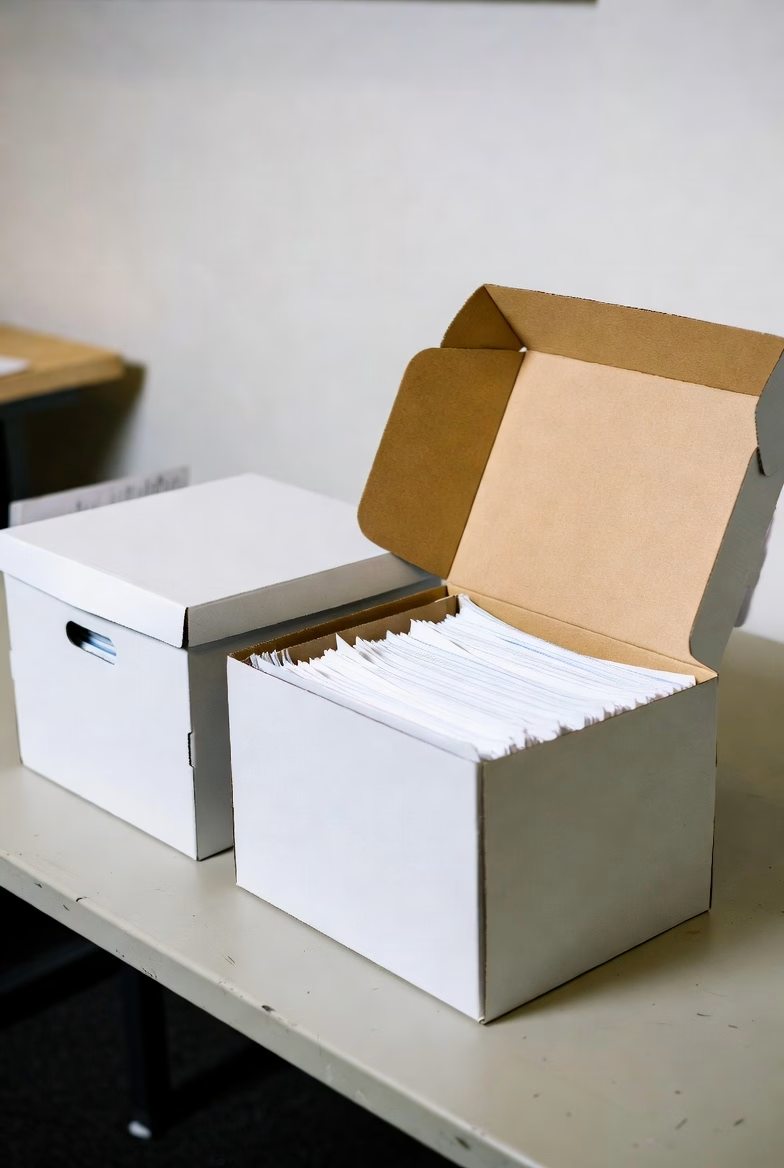
Banker boxes of business documents ready for professional scanning and digitization service
We pick up your boxes, scan to searchable PDF, and deliver organized digital files.

Digitizing HOA records addresses every challenge above while making compliance with Arizona’s retention and access requirements significantly easier.

Instant retrieval. Scanned records stored as searchable PDFs can be located in seconds using keyword search. When a homeowner submits a records request, the response can be prepared in minutes rather than days.

Management transitions. Digital archives transfer seamlessly between management companies. There are no boxes to ship, no pages to inventory, and no risk of documents disappearing during the handoff.

Permanent preservation. Documents that Arizona law requires you to keep forever — CC&Rs, bylaws, meeting minutes — are protected from physical damage when stored digitally with proper backups. The digital copy will be as legible in fifty years as it is today.

Reduced costs. Scanning eliminates the ongoing expense of physical storage and dramatically reduces the staff time devoted to filing and retrieval. For associations paying monthly storage fees, the scanning project often pays for itself within a year.

Board and homeowner confidence. A well-organized digital archive signals professionalism. Board members can access any document from any location, and homeowner requests are handled quickly and completely.

Getting Started: What to Scan First

If your association is considering digitizing its records, the most practical approach is to prioritize by retention requirement.

Start with permanent records. CC&Rs, bylaws, articles of incorporation, all amendments, board resolutions, and meeting minutes. These are irreplaceable and carry the highest risk if lost.

Then financial records. Current and recent fiscal year documents first, working backward through the seven-year window. This ensures your most frequently requested records are available digitally as soon as possible.

Finally, correspondence and administrative files. Violation records, architectural applications, vendor contracts, and general communications. These have shorter retention requirements but are often the most frequently requested.

Protect Your Community’s Records

Arizona’s HOA records requirements are not optional, and the consequences of poor recordkeeping — from homeowner complaints to legal exposure — are real. Scanning your association’s documents is one of the most cost-effective ways to stay compliant, organized, and prepared for whatever comes next.

Overland Printing has served Phoenix-area organizations for over 25 years. We handle high-volume document scanning with secure chain of custody, searchable PDF delivery, and organized indexing — so your board can find any document in seconds, not hours.

Ready to get your HOA records under control? Get a free scanning quote or call us at 602-224-9971.


This article is provided for general informational purposes and does not constitute legal advice. HOA boards should consult with a qualified community association attorney regarding their specific retention obligations.

Related Services

Need to digitize your community’s records? If your association or management firm is staring at decades of board minutes, ARC files, financials, or CC&R amendments, see our HOA records scanning service for community association management firms — locked transport, AZ-retention-aware indexing, DMS-ready delivery. Call 602-224-9971 for a pilot project quote.

Related Services from Overland Printing

  • Managing records for an active or pending lawsuit? Our litigation support scanning service in Phoenix handles Bates-labeling, chain-of-custody documentation, and discovery production. Call 602-224-9971.

Arizona Medical Records Retention Requirements: What Healthcare Providers Need to Know

Every healthcare practice in Arizona faces the same question at some point: how long do we actually need to keep these records? The answer matters more than most providers realize. Failing to retain medical records for the required period can expose a practice to malpractice liability, regulatory penalties, and HIPAA violations — even years after a patient’s last visit.

Here is what Arizona law requires and how Phoenix-area practices are staying compliant without drowning in paper.

What Arizona Law Says: ARS 12-2297

Arizona Revised Statutes § 12-2297 sets the baseline retention requirements for all healthcare providers in the state. The rules vary depending on the patient’s age.

Adult patients: Retain the original or copies of medical records for at least six years after the last date the patient received care from that provider.

Minor patients: Retain records for whichever is later — six years after the last date of service, or three years after the patient turns 18. In practice, this means pediatric records can require retention for up to 21 years.

Nursing care institutions: Retain patient records for six years after the date of discharge. The same minor-patient rules apply.

Source data (lab results, imaging, diagnostic data): May be maintained separately from the main medical record but must be kept for six years from the date of collection.

These are minimums. Federal regulations, specialty board requirements, or malpractice insurance policies may require longer retention in certain situations.

What Happens When a Practice Closes or Changes Hands

ARS 12-2297 specifically addresses practice transitions. When a healthcare provider retires or sells their practice, they must take “reasonable measures” to ensure records continue to be retained for the full required period.

This is where many providers get caught off guard. A physician retiring in 2026 who last saw a pediatric patient in 2020 may still need those records preserved until 2038 or later. Simply locking file cabinets in a storage unit does not satisfy the “reasonable measures” standard if those records become inaccessible or deteriorate.

Digitizing records before a practice transition is one of the most reliable ways to ensure continued compliance. Digital files can be transferred to the acquiring practice, stored securely in the cloud, or maintained by a records custodian — all without the risk of physical degradation.

HIPAA Compliance and Record Retention: Clearing Up a Common Misconception

Many healthcare providers assume HIPAA dictates how long medical records must be kept. It does not. HIPAA’s six-year retention requirement applies to compliance documentation — policies, procedures, risk assessments, training records, and audit logs — not to patient medical records themselves.

Patient record retention is governed by state law, which in Arizona means ARS 12-2297. However, HIPAA does impose strict requirements on how records are stored, accessed, and eventually destroyed, regardless of the format. Any practice handling protected health information (PHI) must ensure that physical and digital records are secured against unauthorized access throughout the entire retention period.

This means that a box of patient charts sitting in an unlocked storage closet is a HIPAA violation today, not just a risk for the future.

Why Paper Records Create Compliance Risk

Paper-based records present several challenges that grow more serious over time.

Physical degradation. Paper fades, gets damaged by water or humidity, and becomes brittle. Arizona’s climate helps with humidity, but heat and sunlight can be just as destructive over a six-to-twenty-one-year retention window.

Access control. HIPAA requires that PHI be accessible only to authorized personnel. Controlling access to physical file rooms — especially across multiple offices, during renovations, or after staff turnover — is difficult to audit and easy to fail.

Disaster recovery. A single fire, flood, or break-in can destroy years of irreplaceable records. Without backups, the practice loses both its compliance documentation and its legal protection.

Storage costs. The average medical practice generates thousands of pages per year. Over a six-year minimum retention period, physical storage costs add up quickly — and the space those files occupy could be used for patient care.

How Document Scanning Solves the Retention Problem

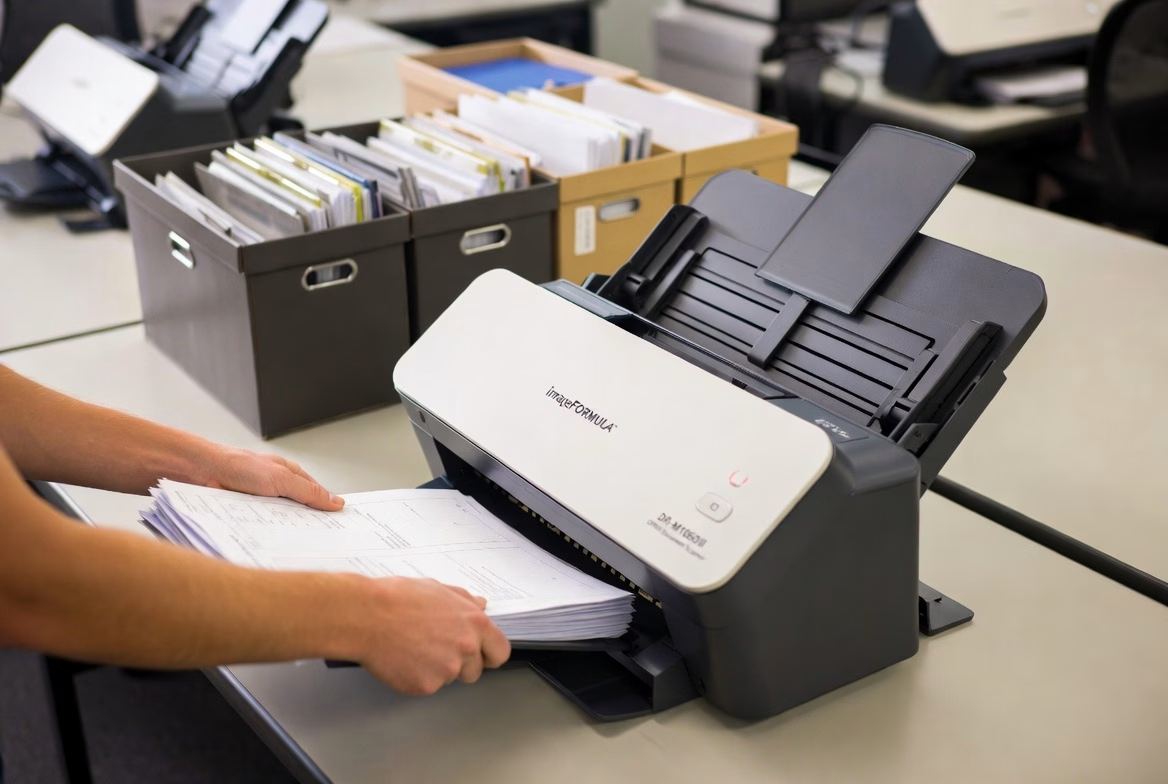
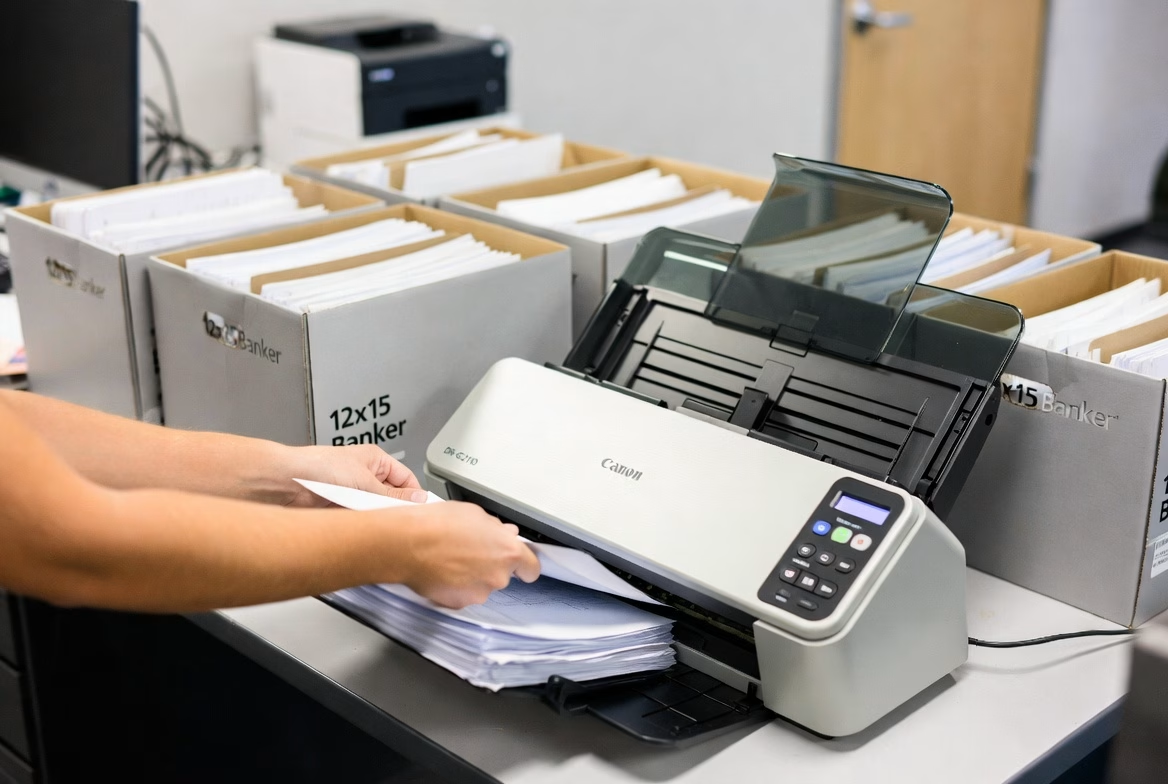
Professional scanning service processing banker boxes of business documents at Overland Printing Phoenix AZ
From banker boxes to searchable digital files — fast turnaround.

Converting paper medical records to searchable digital files addresses every challenge listed above while keeping practices fully compliant with both ARS 12-2297 and HIPAA.

Durability. Digital files do not degrade. A record scanned today will be identical in quality twenty years from now, with proper backup procedures in place.

Access control. Digital records can be protected with role-based access, encryption, and audit trails — exactly what HIPAA requires. Every access attempt is logged, making compliance audits straightforward.

Disaster recovery. Cloud-stored or redundantly backed-up digital records survive physical disasters. Practices can restore their entire archive from a secure backup in hours rather than discovering that decades of records are gone.

Space and cost savings. Scanning eliminates the need for expanding file rooms, renting offsite storage units, or dedicating staff time to filing and retrieval. Most practices recoup the cost of scanning within the first year through reduced storage expenses alone.

Faster retrieval. When records are scanned to searchable PDF format, staff can locate any document in seconds rather than pulling physical charts — improving both patient care and administrative efficiency.

What to Look for in a Scanning Partner

Not every scanning service can handle medical records. Healthcare document scanning requires specific safeguards.

HIPAA compliance. Your scanning partner should sign a Business Associate Agreement (BAA) and demonstrate documented security protocols for handling PHI. This includes secure chain of custody from pickup through scanning, indexing, and delivery.

Experience with medical documents. Medical records come in all sizes and formats — from standard letter-size charts to oversized imaging films and multi-part forms. A scanning provider with healthcare experience will handle these efficiently without damaging originals.

Quality assurance. Every scanned page should be checked for legibility, correct orientation, and proper indexing. Automated quality checks catch blank pages, skewed images, and illegible scans before delivery.

Secure destruction options. After records are digitized and verified, the original paper may need to be securely shredded. A full-service scanning provider can handle this step as well, with certificates of destruction for your compliance files.

Keep Your Practice Compliant — Without the Paper

Arizona’s medical records retention requirements are not going away, and neither is the paper piling up in your file room. Scanning those records is one of the most practical steps a Phoenix-area healthcare practice can take to reduce risk, free up space, and simplify compliance for years to come.

Overland Printing has provided document management services to Phoenix businesses for over 25 years. Our HIPAA-compliant scanning process includes secure pickup, high-quality digitization, searchable PDF delivery, and optional shredding — everything your practice needs to go paperless with confidence.

Ready to get your records under control? Get a free scanning quote or call us at 602-224-9971.


This article is provided for general informational purposes and does not constitute legal advice. Healthcare providers should consult with a qualified attorney regarding their specific retention obligations.

Related reading: The 4 Best Large Format Scanners for 2025 — a buyer’s guide to the production CCD and CIS scanners that handle high-volume medical record digitization.


Need to Digitize Records to Meet These Retention Requirements?

Overland Printing’s Phoenix medical records scanning service is built around Arizona retention law and HIPAA — BAA signed before pickup, indexed by patient name for the full A.R.S. § 12-2297 retention window, encrypted delivery into Epic / Athena / eClinicalWorks / Dentrix / Eaglesoft. Free Phoenix metro pickup. 602-224-9971.

Other Arizona retention articles and services: see the Arizona HOA records retention rules for community associations, plus our service pages on HOA records scanning and litigation support for production responses tied to A.R.S. retention windows.

HIPAA-Compliant Scanning Checklist for Phoenix Healthcare Practices

Digitizing patient records is one of the smartest moves a healthcare practice can make — but only if the scanning process itself meets HIPAA requirements. A single misstep in how protected health information is handled during scanning can result in fines, breach notifications, and the kind of attention no practice wants from the Office for Civil Rights.

The good news is that HIPAA-compliant scanning is straightforward when you know what to look for. Whether you are evaluating a scanning vendor or setting up an in-house process, this checklist covers every requirement your practice needs to address.

The 10-Point HIPAA Scanning Compliance Checklist

1. Business Associate Agreement Is Signed Before Work Begins

Any outside vendor that will handle, view, transport, or store documents containing protected health information must sign a Business Associate Agreement before touching a single page. This is not optional and not something that can be handled “after the first batch.” The BAA defines each party’s responsibilities for safeguarding PHI and establishes liability if a breach occurs.

If a scanning vendor hesitates to sign a BAA or does not have a standard template ready, that is a clear signal to look elsewhere.

2. Physical Chain of Custody Is Documented

From the moment records leave your office to the moment scanned files are delivered back, every handoff should be documented. A proper chain of custody log records who picked up the records, when, how they were transported, where they were stored during processing, and who had access at each stage.

This documentation serves two purposes: it satisfies HIPAA’s accountability requirements, and it protects your practice if a question ever arises about how records were handled.

3. Records Are Transported Securely

Patient records should never be transported in open boxes in an unlocked vehicle. Secure transport means locked containers or sealed bins, a dedicated vehicle (not a personal car with other stops), and direct transport from your office to the scanning facility without intermediate storage.

4. The Scanning Facility Has Physical Access Controls

The location where scanning takes place should have restricted access — locked doors, visitor logs, badge or key access, and security cameras. Staff working with your records should be limited to authorized personnel who have completed HIPAA training.

Ask your vendor: who has access to the scanning room? How are visitors handled? What happens to your records overnight?

5. All Staff Handling PHI Have Completed HIPAA Training

Every person who touches your records — from the driver who picks them up to the technician who feeds them through the scanner — should have documented HIPAA training. This is not just best practice; it is a regulatory requirement. Training should be renewed annually and records of completion should be available on request.

6. Digital Files Are Encrypted During Transmission and at Rest

Once your records are scanned, the resulting digital files must be encrypted. This means encryption during transmission (when files are sent to you or uploaded to cloud storage) and encryption at rest (when files are stored on any server or drive). The 2026 HIPAA Security Rule updates make encryption mandatory for all electronic PHI — the previous “addressable” designation no longer applies.

7. Access to Digital Files Is Controlled and Logged

Scanned files should be accessible only to authorized personnel through role-based access controls. Every time someone views, downloads, or modifies a file, that access should be logged. These audit trails are a core HIPAA requirement and are among the first things auditors review.

8. Quality Assurance Verifies Every Page

HIPAA does not just require that records exist — it requires that they be usable. A scanning process should include quality checks to ensure every page is legible, correctly oriented, and properly indexed. Blank pages, skewed images, and illegible scans defeat the purpose of digitization and can create compliance problems if a record cannot be produced when needed.

9. Original Records Are Securely Destroyed (If Applicable)

If your practice chooses to destroy the original paper records after scanning (which Arizona law allows once digital copies exist), that destruction must be done securely. HIPAA requires that paper records containing PHI be shredded, burned, or pulped so that the information cannot be reconstructed. A certificate of destruction should be provided for your compliance files.

10. The Entire Process Is Documented for Audit Readiness

Finally, document everything. Your compliance file should include the signed BAA, chain of custody logs, proof of staff training, encryption specifications, quality assurance reports, and destruction certificates. If the OCR ever audits your practice, this documentation demonstrates that you took reasonable and appropriate measures to protect PHI throughout the scanning process.

Why This Matters More in 2026

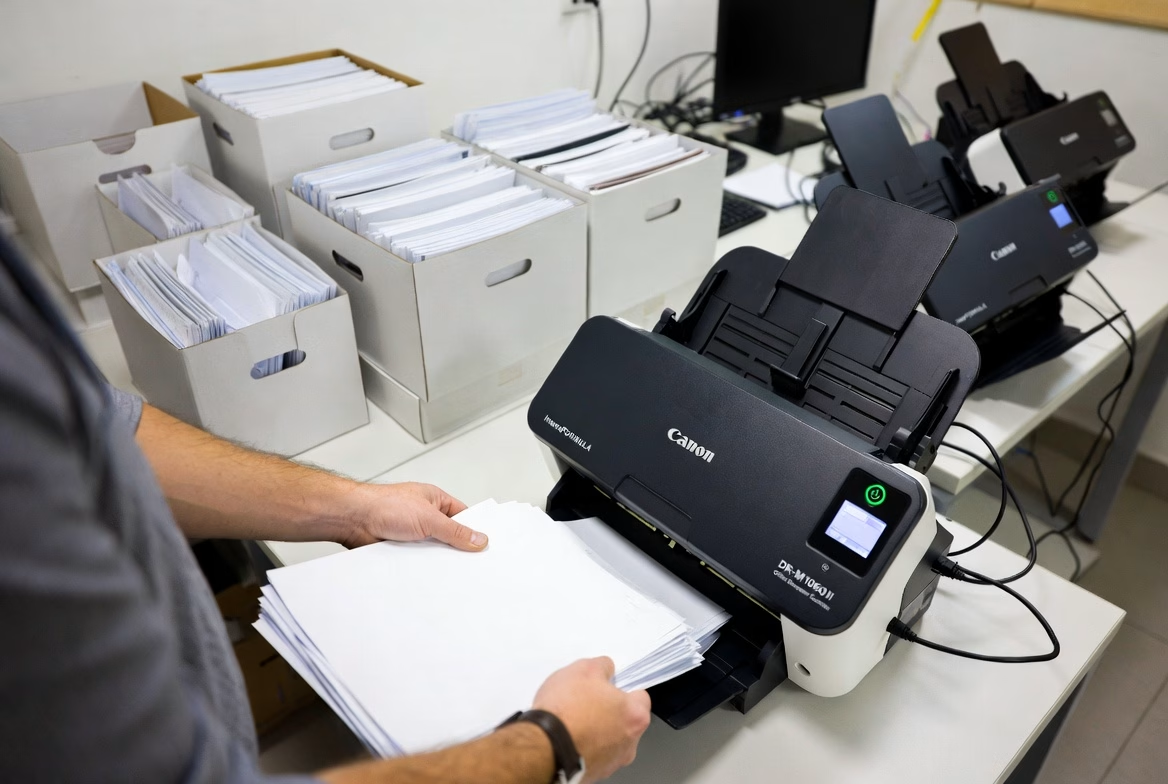
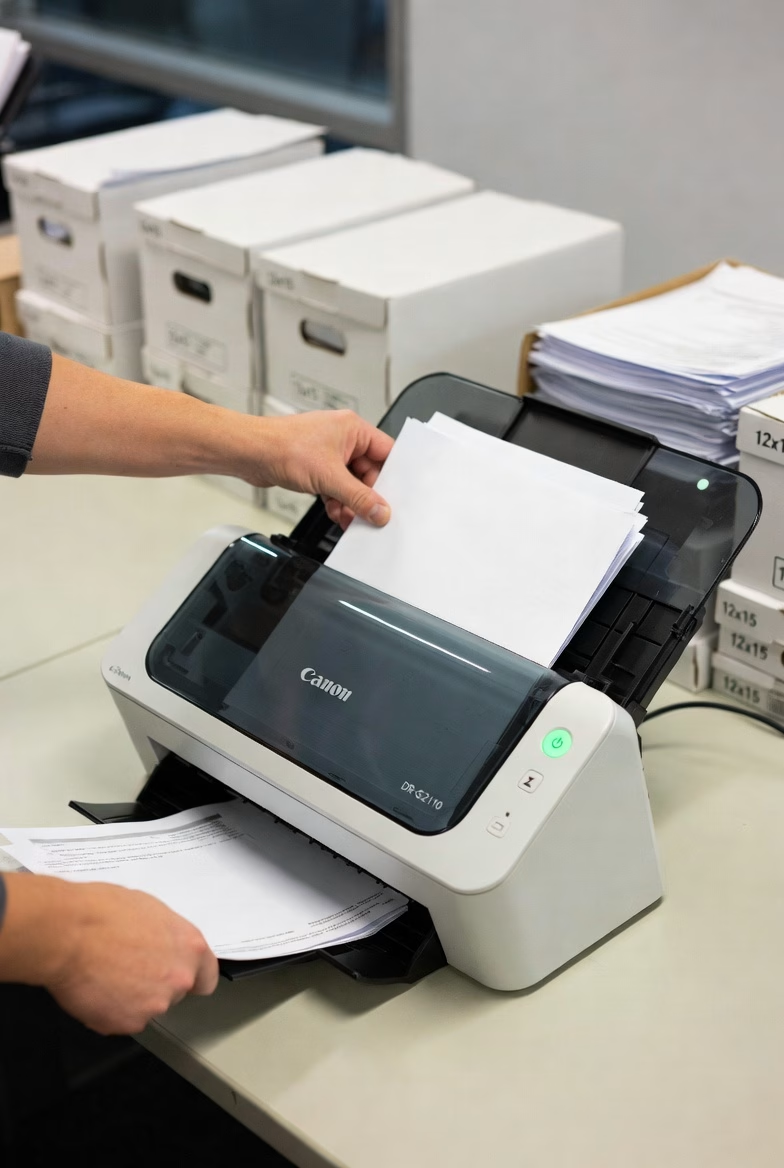
Canon desktop document scanner processing office documents for Phoenix scanning service clients
Desktop scanners handle smaller scanning projects with precision.

The HIPAA Security Rule updates taking effect in 2026 eliminate the distinction between “required” and “addressable” safeguards. Every security measure is now mandatory. Multi-factor authentication, encryption at rest, and documented risk assessments are no longer items your practice can defer. Scanning your records with a compliant partner now puts you ahead of these requirements rather than scrambling to catch up.

A Compliant Partner Makes the Difference

Most healthcare practices do not have the equipment, secure facility, or trained staff to handle a large-scale scanning project in-house. Working with a scanning partner who already has HIPAA protocols in place — and can prove it — is the most efficient path to a compliant digital archive.

Overland Printing provides HIPAA-compliant scanning services to Phoenix-area healthcare practices. We sign BAAs, maintain documented chain of custody, encrypt all digital files, and provide quality-verified searchable PDFs. Our process is built around this checklist from start to finish.

Ready to digitize your records the right way? Get a free scanning estimate or call us at 602-224-9971.


This article is provided for general informational purposes and does not constitute legal or compliance advice. Healthcare providers should consult with a qualified HIPAA compliance professional regarding their specific obligations.

Related reading: The 4 Best Large Format Scanners for 2025 — covers HIPAA-relevant production scanners (Contex HD Ultra X, IQ Quattro X) used for medical record digitization.


Phoenix Medical Records Scanning Services

If you’re ready to move past the checklist and start scanning patient records, Overland Printing’s Phoenix medical records scanning service handles BAA execution, secure pickup, HIPAA-compliant scanning, encrypted delivery, and certificate-of-destruction documentation end to end. Free pickup across the Phoenix metro. 602-224-9971.

For federal healthcare agencies (VA, IHS, military treatment facilities), see our federal contracting & records services page — same HIPAA-compliant scanning workflow, with federal-specific compliance documentation.

Related Overland services: the same chain-of-custody, encryption, and access-control protocols documented here apply to two adjacent verticals — HOA records scanning (community-association financials and member data) and litigation support (privileged law-firm production and discovery).

3 Big Reasons to Digitize Your Blueprints

In architecture, engineering, and construction, physical blueprints are still widely used. However, they present challenges when it comes to storage, accessibility, and preservation. Digitizing these large-format documents isn’t just about convenience; it’s about transforming how your team works. With a high-quality large format scanner or blueprint scanner, you gain control over document management, accessibility, and long-term cost savings. Here’s how digitizing blueprints with a large scanner helps maximize efficiency and minimize costs, positioning your organization for modern-day challenges.

1. Enhanced Efficiency: Save Time and Increase Accessibility

Time is everything in fast-paced project environments, and searching through stacks of paper blueprints is an inefficient process. By digitizing your blueprints, you make them accessible to anyone, anywhere, at any time. Here’s why this matters:

Quick Retrieval: With digital files, finding a specific blueprint becomes as easy as a keyword search. Large-format scanners often feature optical character recognition (OCR) technology, allowing you to search within scanned documents for annotations or titles, even in complex blueprints.

  • Improved Collaboration: Digitized blueprints can be shared instantly with team members, consultants, or clients, regardless of location. This is particularly beneficial in construction or renovation projects, where quick access to accurate plans keeps all stakeholders aligned and reduces the chance of miscommunication.
  • Reduced Downtime: On a construction site or in the office, the ability to access the right document immediately can prevent project delays. With all documents securely stored online or on company servers, you eliminate the risk of misplaced or damaged blueprints.

2. Space Optimization: Free Up Physical Storage

Physical storage for large-format documents like blueprints requires dedicated facilities, often with temperature and moisture controls to preserve document integrity. Digitizing these documents significantly reduces the need for physical space, leading to:

  • De-clutter Workspace: Converting paper documents to digital reduces clutter, helping to create a more organized workspace and improving productivity. Offices that are free from excess storage cabinets and file rooms can focus on more productive uses of space, like collaborative work areas.
  • Scalable Storage: Physical documents can only grow in volume, creating ongoing storage challenges. By contrast, digital files can be archived in cloud storage or secure databases that grow with your company’s needs. This digital transformation frees up space and allows you to scale without expanding your physical footprint’s innate storage costs: Renting or maintaining dedicated space for blueprint storage can be costly. Digital storage, on the other hand, offers cost-efficient solutions without the risk of document degradation over time.

3. Cost Savings and Security: Protect Documents and Reduce Overheads

Digitizing blueprints isn’t just about saving physical space—it’s about ensuring long-term security and reducing ongoing costs associated with paper documents:

  • Reduced Printing and Storage Costs: Printing multiple copies of blueprints for each project is expensive, especially for large-format documents. Digitized blueprints cut down on the need for multiple physical copies, saving on materials, printer maintenance, and ink.
  • Data Security and Backup: Digital blueprints are less vulnerable to environmental damage (such as fire, water, or wear) than paper copies. By storing your blueprints digitally, you can protect them with encryption, access controls, and offsite backups. This minimizes the risk of data loss and preserves critical information.
  • Environmental Responsibility: Reducing your reliance on paper contributes to sustainability by minimizing paper waste and lowering your company’s carbon footprint. Going digital demonstrates a commitment to environmentally responsible practices, which can be a valuable aspect of your corporate image.

Beyond the main benefits of time, space, and cost savings, there are other compelling reasons to digitize:

  • Improved Document Sharing and Communication: Teams can access the same document versions in real-time, ensuring that everyone is working from the latest version of a blueprint.
  • Long-Term Document Preservation: Digital formats offer greater durability than paper, which can degrade or become unreadable over time. High-quality scanners produce digital files that retain detail and quality, ensuring the longevity of your blueprints.

Digitize Your Blueprints with AZ Overland Blueprint

With AZ Overland Blueprint’s blueprint scanner and large format scanner services, transforming your document management is simple. Our state-of-the-art scanning technology ensures that each document retains clarity and detail, offering a comprehensive solution to streamline workflows, reduce storage needs, and protect critical documents for the long term. We’re here to help make your transition to digital seamless.

Ready to digitize your blueprints? Contact us today or call us now at (602) 224-9971 to learn more about our scanning services and how we can assist your business in document management transformation.


Related Services from Overland Printing

Old-Fashioned Service Meets Modern Blueprinting


In today’s fast-paced, technology-driven world, businesses often overlook the importance of customer service. But at AZ Overland Blueprint, we pride ourselves on offering a personal, old-fashioned approach to our plotting, printing, copying, and scanning services. While we utilize the latest technology to meet the needs of modern businesses, our foundation is rooted in the timeless principles of quality service, reliability, and a customer-first mindset.

Plotting: Precision with a Personal Touch

Plotting large-format documents requires accuracy and attention to detail. Our state-of-the-art equipment ensures every line, dimension, and graphic is crystal clear. But what truly sets us apart is the extra care we take with every order. Whether you’re an architect, engineer, or designer, we understand how crucial your project is, and we treat it as if it were our own. That means going the extra mile—double-checking your files for potential errors, offering suggestions for improving readability, and working closely with you to ensure the final product exceeds expectations. This personalized service, reminiscent of a time when businesses thrived on relationships, is what makes us stand out.

The Story of Mr. Austin

One morning, Mr. Austin, an architect working on a critical project, walked into our shop with several large blueprint files. He was on a tight deadline, and every detail of his plans had to be perfect. As we began reviewing his files, we noticed a small, but significant, error in one of the layouts—a missing letter “Y” that displayed as a void every-time the letter “Y” was to appear that could have led to costly issues during the permitting phase.

Rather than just running the files through the printer and sending him on his way, we took the time to reach out and explain the issue. Mr. Austin was surprised, not only because we had caught the mistake, but because we cared enough to check. Many printing services he’d worked with in the past would have simply printed what was provided without a second thought. After a quick adjustment, we had his revised files plotted and delivered ahead of his deadline. Mr. Austin told us that our attention to detail and personal care reminded him of the days when people took real pride in their work—something he thought was lost in today’s world.

This is the kind of old-fashioned service we strive to deliver every day, where customer satisfaction is more than just a box to check—it’s our priority.

Architect reviewing blueprint plans for large format scanning service

Printing: Quality You Can Count On

At AZ Overland Blueprint, we don’t just hit “print” and call it a day. We believe in listening closely to your needs, ensuring every project is tailored specifically for you. Whether you need large-scale prints, of architectural or engineering drawings or plans, schematic parts diagrams, maps, or plans for a life-size hobby airplane that you intend to build, our team is dedicated to making sure your vision comes to life. In today’s world of rapid transactions, we still take the time to ensure every print job is perfect. This personal touch, which may feel like a relic of the past, is our way of showing you that we care about your business as much as you do.

Ms. Ashley’s Request: Going the Extra Mile

Ms. Ashley, a local small business owner, came to us with a special request. She needed promotional posters and a banner for her new shop, but she wasn’t confident about the design she had created. Instead of simply running her file through our printer, we invited her to sit down and review the design with us.

We discussed color schemes, fonts, and layouts—offering suggestions to make her posters and banner more eye-catching and professional. Our team even made a few quick adjustments on the spot, tweaking the graphics to ensure her brand stood out. It wasn’t a large order, and it would’ve been easy to process without much interaction. But by taking the extra time to understand Ms. Ashley’s vision, we were able to deliver a product she was truly proud of. When she saw the finished products, her smile said it all.

This kind of personalized, thoughtful service is something we believe in wholeheartedly. We don’t just print; we build relationships.

Copy Services: When Reliability and Trust Matter

Copying might seem like a straightforward service, but we know that our customers often need more than just quick duplication. Whether it’s for a large presentation or important legal documents, you need to know the job will be done accurately and on time. Our high-volume copiers can handle even the most demanding jobs, but speed never comes at the expense of quality or care. Every copy is checked for clarity, accuracy, and alignment, and if something isn’t perfect, we’ll make sure it’s corrected before it reaches your hands.

The Case of the Time-Sensitive Documents

A local law firm, pressed for time before a major court case, came to us in need of thousands of document copies—exhibits, filings, and more. The deadline was tight, but rather than rushing through the task, we assigned dedicated staff to ensure every page was clear and properly organized. Throughout the process, we stayed in contact with the firm to make sure everything was progressing smoothly.

We even had one of our team members personally deliver the completed documents to the firm’s office. They later told us how much they appreciated the extra care, as it allowed them to focus on their case knowing the document handling was in expert hands. It’s this level of reliability and trust that defines our copy services—a nod to the days when personal accountability was key in business.

Scanning Services: Preserving Your Legacy

In an age where digital records are crucial, we treat every scanning project with care and respect. Whether we’re scanning historical documents, architectural plans, or schematics of manufactured parts, we understand that each document holds value. We work carefully to ensure that every scan is high-resolution, preserving even the smallest details for years to come.

A Historical Preservation Project

Recently, we had the privilege of working with a local historian on a project that involved scanning a collection of fragile, century-old maps. The importance of these documents couldn’t be overstated—they were a vital part of the region’s history. Each map required careful handling and delicate scanning to ensure every crease, line, and note was captured without damaging the originals.

Instead of rushing through the process, we treated each map with the reverence it deserved, ensuring that the digital scans were of the highest possible quality. The historian was thrilled with the results, knowing that these irreplaceable documents were now preserved for future generations. For us, it was more than just a scanning job—it was a responsibility we were proud to fulfill.

Why Choose AZ Overland Blueprint?

At AZ Overland Blueprint, we are more than just a printing service provider—we are a partner you can trust. In an era where customer service often takes a back seat, we remain committed to offering the kind of personal, old-fashioned service that makes you feel valued. Our experienced team is here to guide you, whether you need advice on a project, help troubleshooting a file, or just a friendly conversation.

We understand the importance of deadlines, accuracy, and affordability. But above all, we believe that building relationships is what truly sets us apart. When you choose AZ Overland Blueprint, you’re not just getting a service—you’re getting a team that cares about your success as much as you do.

At AZ Overland Blueprint, we bring together the best of both worlds: cutting-edge technology and good, old-fashioned service. Stop by today to experience the difference for yourself! Do you have a need for plotting, printing, copying, &/or scanning services? Contact us today or call us now at (602) 224-9971, we’re happy to help!


Related Services from Overland Printing

What Every Construction Company Must Have For Success

In the construction industry, having the right tools can make the difference between a thriving business and one that struggles to stay afloat. While hard hats and heavy machinery are essential, even more crucial are effective communication tools.  Herein, we’ll reveal how some important elements have transformed construction businesses, improving efficiency, enhancing safety, streamlining operations, and boosting sales.  Subcontractors in trades like plumbing, electrical, HVAC, and concrete, as well as adjacent industries such as architecture, design, and engineering, also find these tools invaluable.

Short Story: Construction Company’s Crazy Challenge

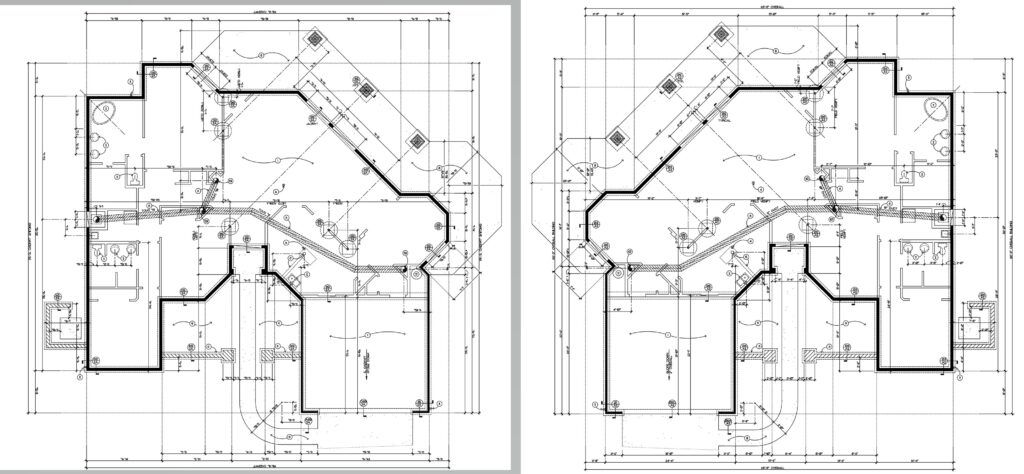
Consider the story of a mid-sized construction company that faced major challenges during a large commercial project. Midway through the construction of a commercial project it was noticed by the owner that the building was being constructed in reverse; he noticed that the entry was towards the left side when it should have been towards the right side. Apparently, the backwards building that was first constructed was built off of an early rendition of the plans.  You must be thinking that there’s no way that that could have happened, but it did!  Yet, it gets worse, there were also several minor incidents, and an accident occurred too!  This was due to poor communication and unmarked hazard zones. The project became increasingly chaotic, had fallen behind schedule, as costs began to escalate.

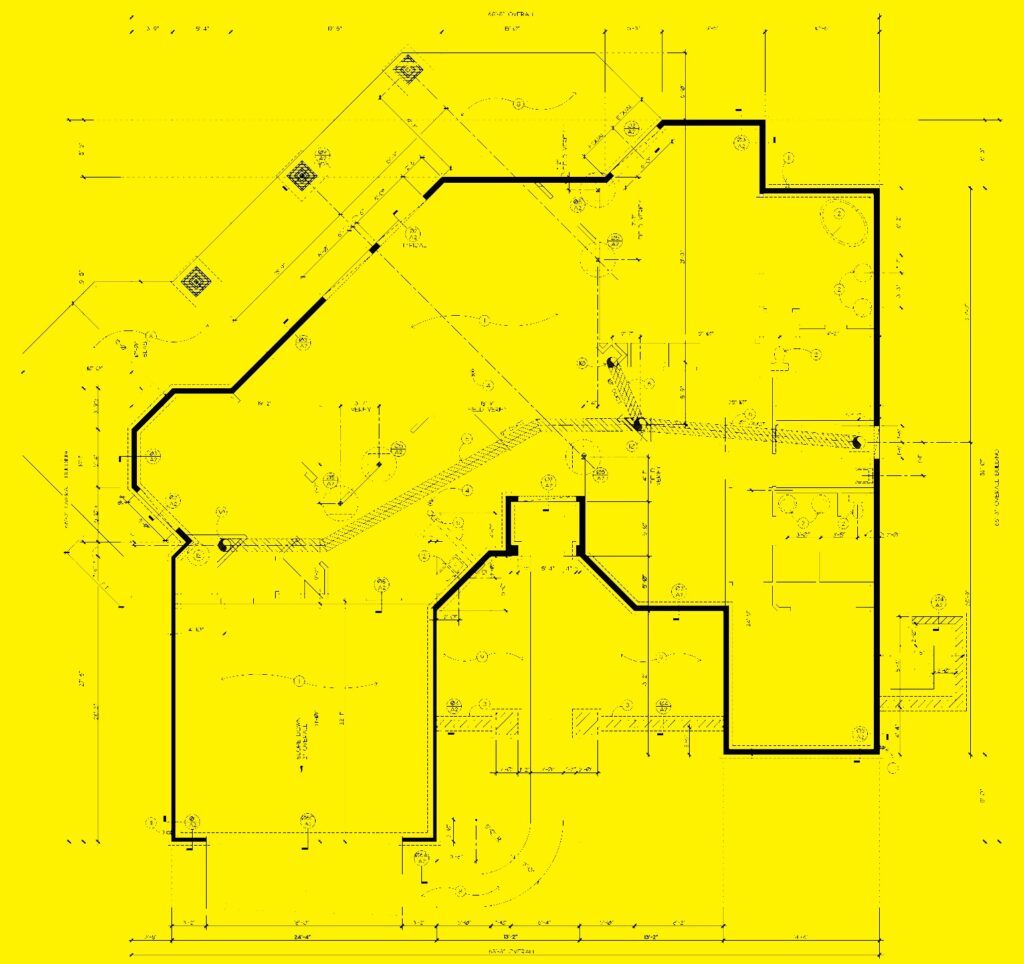
Desperate to regain control, the construction company replaced the project manager who overhauled their entire communication strategy. They installed clear, strategically placed safety signs and directional signage. Additionally, they partnered with our blueprint shop to produce blueprints in an alternate paper color (yellow) signifying that the yellow sets were the construction sets to be built off of.

There is more to the story that we’ll get to…

The Ultimate Tools for Construction Success

Blueprints: The Core of Every Project

Blueprints signify precisely what is to be built, what materials are to be used, and where everything is to go; blueprints are the instructions of any construction project.  Yet, blueprints go beyond being mere technical documents; they are essential tools for constructing buildings, planning electrical layouts, installing plumbing systems, and much more. They need to be detailed, readable, and accurate, serving as the critical link between architectural design and actual construction. Detailed, precise, and clear blueprints prevent costly errors and ensure every aspect of the project is meticulously constructed as planned.  However, there may be several renditions of the blueprint plans, as they most often change during the design process.  Partnering with a reliable blueprint shop can help to elevate the quality and accuracy of the blueprints for any construction project.

Pro Tip: Choose a blueprint shop that offers high-resolution digital printing and customization to meet your specific needs. One that services the customer above all else by being quick to respond and genuinely eager to help the customers achieve their objectives, and that doesn’t hesitate to ask questions.

Bid Construction Projects

Signage

Safety Signs: Protect Your Team

Picture a bustling construction site where everyone knows exactly where to go and what to avoid. That’s the power of well-placed safety signs. These aren’t just compliance tools—they’re life-savers, preventing accidents by clearly marking hazards and directing traffic.

Pro Tip: Collaborate with a large format print company to design a strategic plan that maximizes visibility and safety.

Other Signs: To Navigate with Ease

Efficiently guiding workers, visitors, and suppliers is crucial for smooth operations. Informative signs reduce confusion, enhance safety, and streamline traffic flow, ensuring your site runs like a well-oiled machine.

Pro Tip: Design signs with bold, clear graphics and place them strategically for maximum impact.

Banners: Capture Attention and New Clients Too

Why blend in when you can stand out? Transform your construction site into a marketing magnet with vinyl and mesh banners. Durable and weather-resistant, these banners not only enhance your site’s professional look but also attract potential clients with bold, eye-catching designs.

Pro Tip: Customize your banners with vibrant graphics and concise messaging to leave a lasting impression.

Vehicle Wraps or Magnets: Drive Your Brand

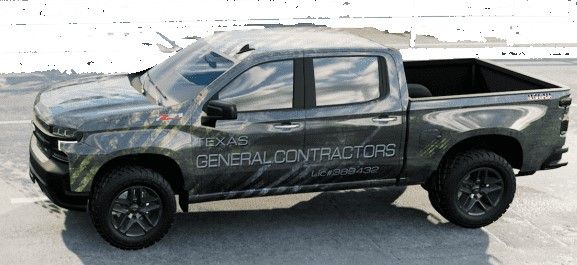
Turn your fleet into moving billboards with vehicle wraps or more affordable magnets. Imagine your logo and contact information reaching thousands of potential customers daily as your vehicles travel through the city. It’s mobile marketing at its finest.  Parked at the job site helps to let everyone know that you’re working on that project!

Pro Tip: Ensure branding consistency across all vehicles and use high-quality materials for a polished, professional look.

Pro Tip: Use vehicle magnets for temporary branding or safety messages that can be updated as needed.

…And For the Rest of the Story

Our customer, the construction company, shortly after replacing the project manager who had overhauled their entire communication strategy realized immediate and dramatic results. The construction company demolished the backwards built 1st rendition in one day!  There were no more accidents, worker efficiency improved, and the project got back on track. The clear communication not only enhanced safety and productivity but also impressed the client, leading to additional contracts.

Why Effective Signage and Blueprints Are So Important

The most profitable construction sites maintain that safety is paramount, the company’s brand stands out, and operations run seamlessly.  By investing in essential tools like accurate blueprints, safety signage, banners, and vehicle wraps or magnets, you too can transform your business to achieve extraordinary success. Every construction company, whether dealing with residential homes, commercial buildings, or large-scale infrastructure projects, can gain a competitive edge with the right blueprints and signage. From subcontractors in plumbing and electrical to architects and engineers, everyone stands to benefit.

Are You Ready to Build a Brighter Future?

It’s important to equip your company with the tools it needs to excel. Embrace the power of effective signage and accurate blueprints, and watch your business reach new heights. The future of your construction business starts now—let’s build it together.

If you don’t have a trusted Blueprint Shop to work with, you can certainly send the work to us; we are very affordable! We are extremely efficient and are very professional!  Call us today at (602) 224-9971 or contact us now, we’re happy to help!

For construction firms that need physical copies of updated plans and specifications, Overland Printing offers construction printing in Phoenix—wide-format output for blueprints, shop drawings, and submittal packages.


Related Services from Overland Printing

5 Reasons to Only Trust a Blueprinter to Print, Copy & Scan Plans

In the intricate realms of duplicating schematics, or architectural, engineering, and construction documents, the necessity for every project lies in the precision and reliability of its plans. As the foundation of successful project execution, plans guide the way forward, making the accuracy of their reproduction an absolute necessity. Enter the unsung heroes of the print room – the Blueprinters, equipped with the expertise to ensure your plans are not just replicated but meticulously crafted for optimal clarity and precision.

The Significance of Blueprint Plans in Various Industries

Whether it’s intricate schematics, a towering skyscraper, a complex bridge, or a residential development, plans are the guiding force behind every successful project. Clear, accurate plans are not just a convenience but a necessity, preventing complications and errors during implementation. The need for a reliable partner in plan reproduction becomes evident as we navigate the common challenges posed by conventional printing and copying. rent large scanner, buy Large document scanner, Large format scanner, inkjet printer, Wide printer near me, Plotter scanner near me

Common Challenges with Conventional Printing and Copying

MUST BE TO SCALE!

Size limitations, image distortion, stitching, color accuracy, and inconsistent scaling issues can plague conventional printing and copying methods. Such challenges have a direct impact on the interpretation and execution of plans, potentially leading to costly errors down the line. It’s in these challenges that the role of a Blueprinter becomes crucial.

The Expertise of a Blueprinter

Blueprint Scanning ServicesBlueprinters bring a unique set of skills and knowledge to the table. Armed with advanced printing and scanning equipment specifically designed for plan reproduction, they ensure that every detail is captured with utmost accuracy. Meticulous attention to detail and stringent quality control measures are the staples of a Blueprinter’s work, setting them apart as professionals of precision.

Technology and Innovation in Blueprinting

In the ever-evolving landscape of technology, Blueprinters stay ahead of the curve. The latest advancements in blueprinting technology, complemented by innovative tools and software, contribute to enhanced accuracy and efficiency in plan reproduction. This marriage of expertise and technology forms the foundation of a Blueprinter’s service.

Trust and Reliability

The core competency of a blueprint shop is in printing, copying, and scanning blueprints; this is why Blueprinters are experts at blueprinting.  Places that offer blueprinting as an ancillary service are significantly less attune to the nuances of blueprint reproduction.  Trust your blueprints to a professional blueprint shop for the peace of mind that the plans are being reproduced properly.  Trust is at the core of the relationship between clients and Blueprinters.  By consistently delivering accurate properly scalaled results, Blueprinters establish themselves as reliable partners in the intricate performance of project execution. The peace of mind that comes from knowing your plans are in capable hands is invaluable.

Blueprinting Cost-Efficiency and Time Savings

Money made scanningInvesting in a Blueprinter’s services isn’t just about accuracy – it’s a strategic move for long-term cost savings. The time efficiency gained through the expertise of a Blueprinter allows clients to redirect their focus to core competencies, creating a symbiotic relationship that goes beyond mere plan reproduction.  A blueprint shop is likely to be significantly less expensive than national chains or franchises.

Case Studies and Success Stories

Real-world examples speak louder than words. From monumental skyscrapers to intricate infrastructure projects, Blueprinters have played a pivotal role in ensuring the success of diverse ventures. Case studies and success stories underscore the tangible benefits of entrusting your plans to the skilled hands of a Blueprinter.

In Summary

When considering project execution, the role of a Blueprinter emerges as indispensable. As we navigate the challenges of reproducing plans, the Blueprinter stands as a formidable point of precision and reliability. In choosing to trust a Blueprinter for printing, copying, and scanning your plans, you’re not just investing in a service – you’re investing in the assurance that your project is going to be duplicated properly.  By choosing to work with an expert in blueprint reproduction; in addition to the unparalleled efficiencies, you’re likely to save some money too! Prioritize accuracy, embrace reliability, and save some money with the expert care of a Blueprinter.  If you don’t have a trusted Blueprint Shop to work with, you can certainly send the work to us; we are very affordable! We are extremely efficient and are very professional!  Call us today at (602) 224-9971 or contact us now, we’re happy to help!

Overland Printing provides professional blueprint and plan printing services in Phoenix for contractors, architects, and engineers who need fast, accurate construction document output.


Related Services from Overland Printing

STOP! Read This Before Signing Up For Offsite Storage!

“Over the years our business has accumulated a lot of paper documents; we’ve saved them and stored them in our file room.  That room got to be such a mess with so many disorganized files!  And it became a fire hazard in that we just kept dumping more and more rolls of plans and files into it.  Realizing the square footage of our file room multiplied by the price that we were paying per square foot in our lease; it was a small fortune!  And there were other files and rolls of plans scattered throughout the entire office that if combined would have taken-up another file room! We only realized the abomination of wasteful spending when we had thought that we had out-grown our office space.  We considered trashing all of the files, but soon realized that we had to keep them to protect against potential contingent liabilities and was reminded that we do utilize some information as reference points.  Someone suggested that we seek-out offsite storage to clear-out this under-utilized leased space.

The compelling reasons made sense; it would free-up much needed office space, and it would significantly reduce the cost that we were paying per square foot.  The challenges though were that, although lower, it would be adding another expense, and the time element to access the files would greatly increase. We found a sizable company that would pick-up, organize, and deliver back, when needed, any files that we wanted; it sounded like just what we needed.  However, when reading their contract and adding up all of the costs, it was actually going to cost more than the then current cost, and we would have been bound to a contract that was more cost prohibitive to get out of in the future.  So we went to a storage facility that was just up the road, signed a contract and we moved most of the files and rolls of plans into our new storage unit.

When it came time to retrieve a file or roll, it was a challenge; no one wanted to go, when they went, it seemed to take hours to find what they needed, and often required return trips to get exactly what they needed, if they could even find it!  This was not the ideal solution!  Additionally, everyone was hesitant to add plans and files to the storage unit, so the office again became more cluttered.”

There Has To Be A Better Way!

AZ Overland Blueprint came up with a solution that offered an efficient and accessible document management solution that is as inexpensive as renting an offsite storage space, yet provides real value.

Before diving into an explanation it’s important to understand the spectrum of easily available possibilities and the pros & cons of each.

In-House Physical Storage

Although it can be somewhat convenient, whereby documents are kept close by, it’s easy for them to compound and become clutter, making it challenging and time-consuming to find what you’re looking for.  Additionally, it is one less bill to pay, as you’re likely already paying rent for your office space.  However, office rent is typically a lot more expensive than storage space.  As the quantity of documents multiplies, it gets to a point whereby it becomes increasingly more challenging to maintain organization.  If the quantity of documents continues to increase; it’ll require more and more space, which could hinder accessibility even further.  Office space may lack security; so documents become more prone to damage, loss, or theft.

Offsite Document Storage at a Storage Unit

By shifting documents from the office to an offsite storage unit; office space gets cleared out providing the opportunity to more efficiently utilize the higher rent office space.  Storage units can be more secure, and can offer a climate-controlled environment which helps to preserve the paper.  The obvious drawback is retrieval; often requiring someone from the office to get in their car to drive down to the storage facility, and take the time to go through and find the needed documents.  Finding the documents at the storage unit can also be cumbersome and time-consuming. Additionally, to find the right documents can also require making multiple trips. When signing up for the storage unit it becomes an expense that’s never ending.

Offsite Document Storage via a CONEX Box/Container

“The CONEX box (Container, express) was a type of cargo container developed during the Korean War that was used to transport and store supplies during the Korean and Vietnam wars. It was reinvented by Malcom McLean to form the standard Intermodal shipping container (often called an ISO box, after ISO 668/ISO 6346) that is used widely by container shipping companies today.” – Wikipedia

Some companies that have plenty of outdoor space will purchase a CONEX box to store documents on the premises.  This can be a low cost option if you have the available space and want to make this type of permanent purchase.  These containers offer a somewhat safe space, but are difficult to control temperature and insect penetration. Since these containers become susceptible to high variances in temperatures, documents are likely to degrade more quickly, and it can be rather uncomfortable for those that have to spend time retrieving documents.

Offsite Document Storage at Home

So, you want to bring the documents home and store them in the garage.  Now you’re just cluttering your garage.  If your garage is not insulated, you have some of the same issues as the CONEX Box as well as the storage unit.  And does it leave enough space for your vehicle?  Without going into detail, isn’t this just a bad idea?

Offsite Document Storage via a Records Management Service

There are companies that will pick-up your documents, they’ll catalog each box, and they store them at their facility.  When you want to retrieve a document, you contact them and they’ll deliver the selected boxes.  If you want documents scanned or shredded, they’ll perform those services too.  Sounds like the ideal service! But wait!  These services can be quite costly, they typically charge for every little thing, at high prices that are not competitive!  They don’t have to offer competitive pricing because they have you captive in a contract.  And within the small print of the contract is the astronomical fee to close-out the account.  So, when you get enticed to enter this agreement, know that you are entering into an expense that’s never ending with escalation costs. Enter this type of agreement and you’ll be helping to pay for fancy high end real estate!

Offsite Document Storage via AZ Overland Blueprint

Our approach is quite different than what you’ll find anywhere else.  At AZ Overland Blueprint we will provide offsite document storage for FREE!  If you want to retrieve any document that too is FREE (except for the delivery cost)!  What does cost is for AZ Overland Blueprint’s professional Service Bureau to scan your plans or documents; and our in-house experts scan for the same price that you’d pay for an offsite storage unit! Yet, you actually get amazing value in the form of organized digital files. When agreeing to Scan-Storage at AZ Overland Blueprint it becomes an expense that actually does end!  When we complete all of the scanning you no longer are obligated to continue paying.

Scanning as a Document Management Solution

Simply stated, scanning converts physical documents into digital formats.  Document scanning is a transformative solution for businesses.  It simply allows for quick & easy retrieval of organized documents or plans.  In addition to easy retrieval, scanning reduces the need for physical storage space, and scanning allows for easily sharing of documents providing improved collaboration.

Utilizing a Service like AZ Overland Blueprint is cost efficient too.  Compare the costs of investment in production grade scanning equipment and the labor time to outsourcing scanning services and you’ll come to the conclusion that utilizing an experienced professional document scanning service bureau is easier, quicker, more efficient, and less costly.  Also consider how your business utilizes your resources/employees; do you want to focus on your business rather than becoming a sort of scanning business?

Although digital files can be deleted they are safe from: aging and deterioration, fire & water damage, insect infestation, etc.  To safeguard against improperly being deleted, it’s imperative that digital files are backed-up to various sources, including cloud storage to protect digital assets.

Scanning plans and documents is going digital which aligns with sustainability goals and has an environmental impact.

Having scanned documents allows for organizing or categorizing the same documents in a variety of ways so that the scanned images become even more easily accessible.

Digital documents provide for seamless integration into new and existing workflows.

Real-world Success Story Continued

As you may recall, the business scenario depicted at the beginning of this blog had decided to move their plans and documents to an off-site storage unit. When it came time to retrieve a roll of plans, it became challenging; no one wanted to go, when they went, it wasted hours to find what they needed, and they often had to return multiple times just to retrieve the right drawing that they needed, and sometime they could not even find what they were looking for!  Also since they stopped adding plans and files to the storage unit, the office again became more cluttered.

Since our print shop had been printing plans for them; on one occasion while picking up plans, we began to talk about their dilemma when I offered our scan/storage program. They were so excited about the concept that they delivered all the plans from the storage unit the very next day!  After we completed the 1st phase of the project (plans from the storage unit), they cleared out the plans from their office, which we also scanned.  They are so happy now, because now there is no cost associated with storage, their office is clean and they are utilizing the office space more efficiently.  And since we properly organized the digital files, they can find whatever they need, quickly!

In Summary

Offsite document storage is an improvement over wasting expensive office space; however, AZ Overland Blueprint’s scan/storage program is the ultimate efficient means for document storage and document management. Embrace the digital transformation for enhanced efficiency and competitiveness. Outsourcing scanning services to a trusted service like AZ Overland Blueprint offers numerous additional benefits too; our expert knowledge and specialized equipment help you to focus on your core business and provide time and cost saving efficiencies. If you want to further explore our scan/storage program call us today at (602) 224-9971 or contact us now, we’re happy to help!


Industry-Specific Scanning Services from Overland Printing

0
    0
    Your Cart
    Your cart is emptyReturn to Shop